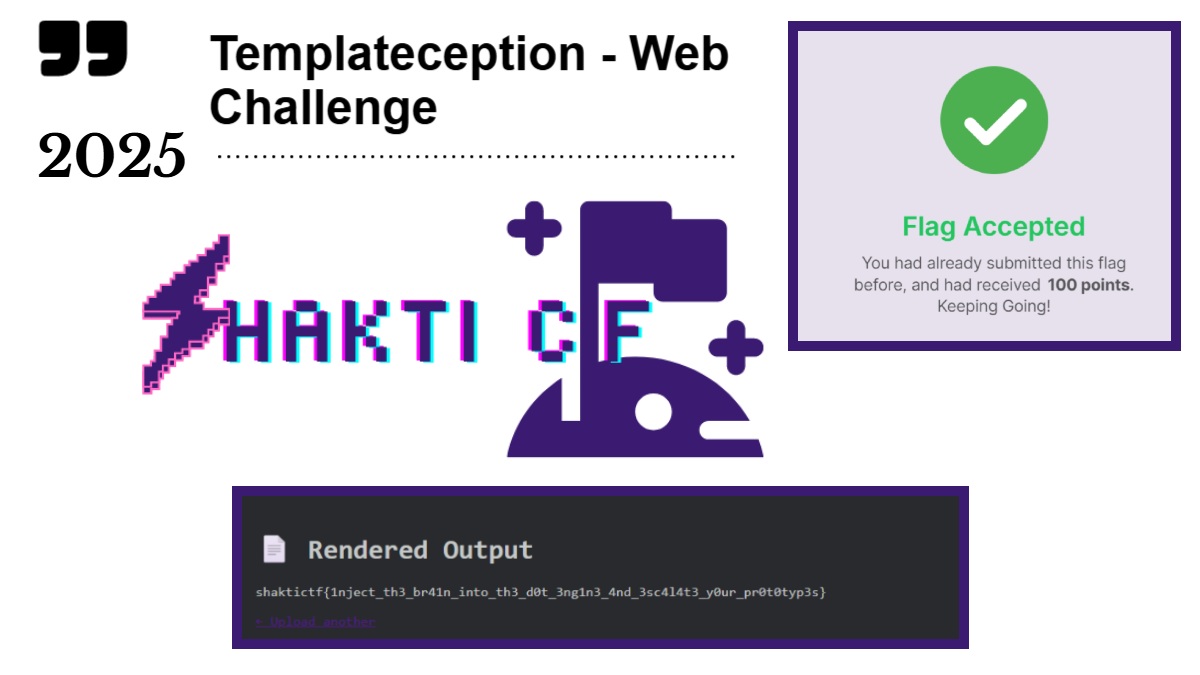
Here in this blog page I’ll explain you how I got the flag from this simple Shakti CTF 2025 web challenge (Templateception) using process.env.FLAG variable.
While inspecting the source code I found out that this doT version 1.1.3 allows anyone to use global object in it’s template scope.
This Challenge allowed users to access to process.env.FLAG without sandboxing, and this simple {{=process.env.FLAG}} worked directly in the {{=…}} output block.
Steps Used To Solve the Challenge – Shakti CTF 2025
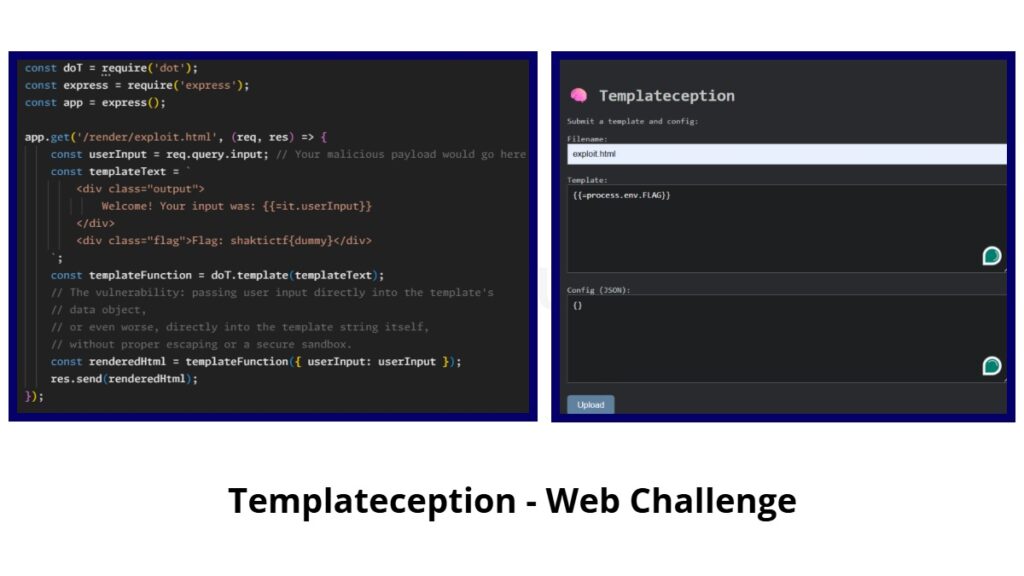
Similary to the earlier challenge Shakti CTF 2025 – Templateception-Revenge CTF WriteUp, this challenge was also based on the same pattern. where it has 3 parameters.
- Filename
- Template
- Config
For the file I named exploit.html and inside the template section I used {{=process.env.FLAG}}, In many JavaScript environments especially in Node.js, Process.env is an object that holds all the environment variables available to the current process.
This FLAG was name of the environment variable whose value I was trying to access.
The flag was likely displayed in the <div class=”output”> section of /render/exploit.html, and possibly also in <div class=”flag”>Flag: shaktictf{dummy}</div> via rendered.ejs.
Because of that Dot template vulnerability, I pulled the flag directly from the server’s environment.
The Flag was – shaktictf{1nject_th3_br41n_into_th3_dot_3ng1n3_4nd_3sc414t3_your_prototyp3s}
What Made Server To Reveal the Flag?
The website was taking user input and directly embedding it into a doT template without any proper sanitization or sandboxing.
When this server rendered the payload, The doT engine executed that JS code on the server, allowing to read FLAG environment variable.
And this became Server-Side Template Injection.